
Run your teaching lab from one clean dashboard.
Replace paper sign-in sheets, Google Forms, spreadsheets, and disconnected queue tools. Manage attendance, student help requests, lab checkoffs, seating, and more in Lab-Tag.
Free to use. No student app required. Students join with a QR code or short URL.
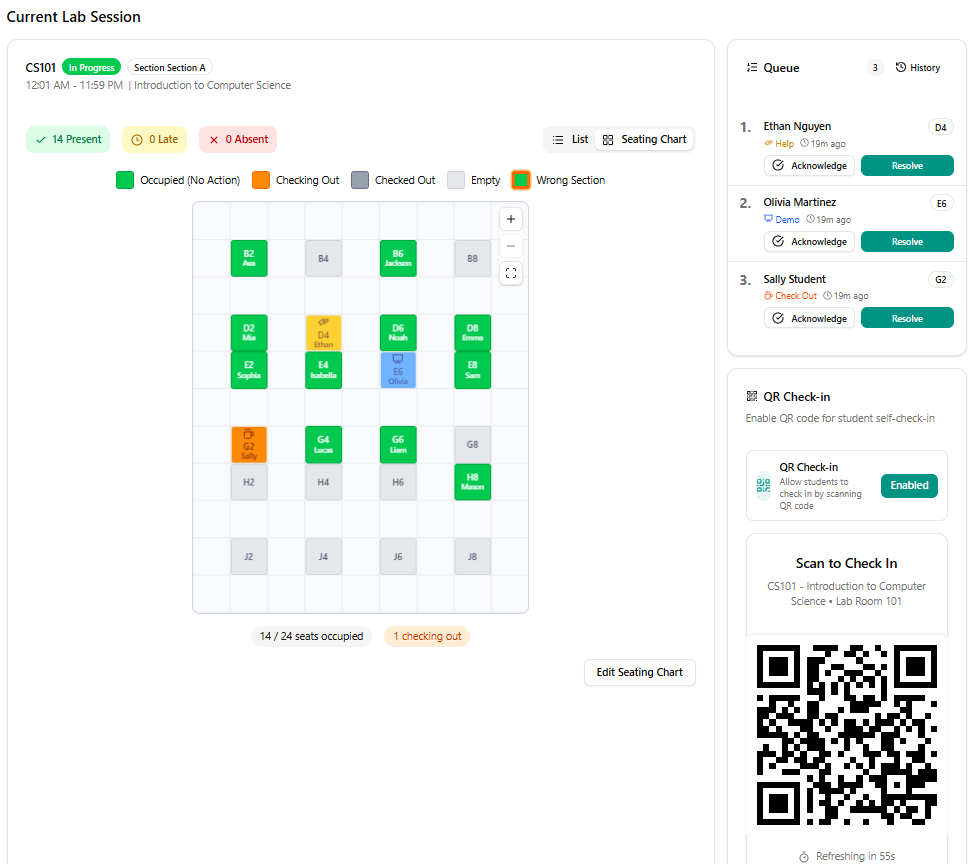
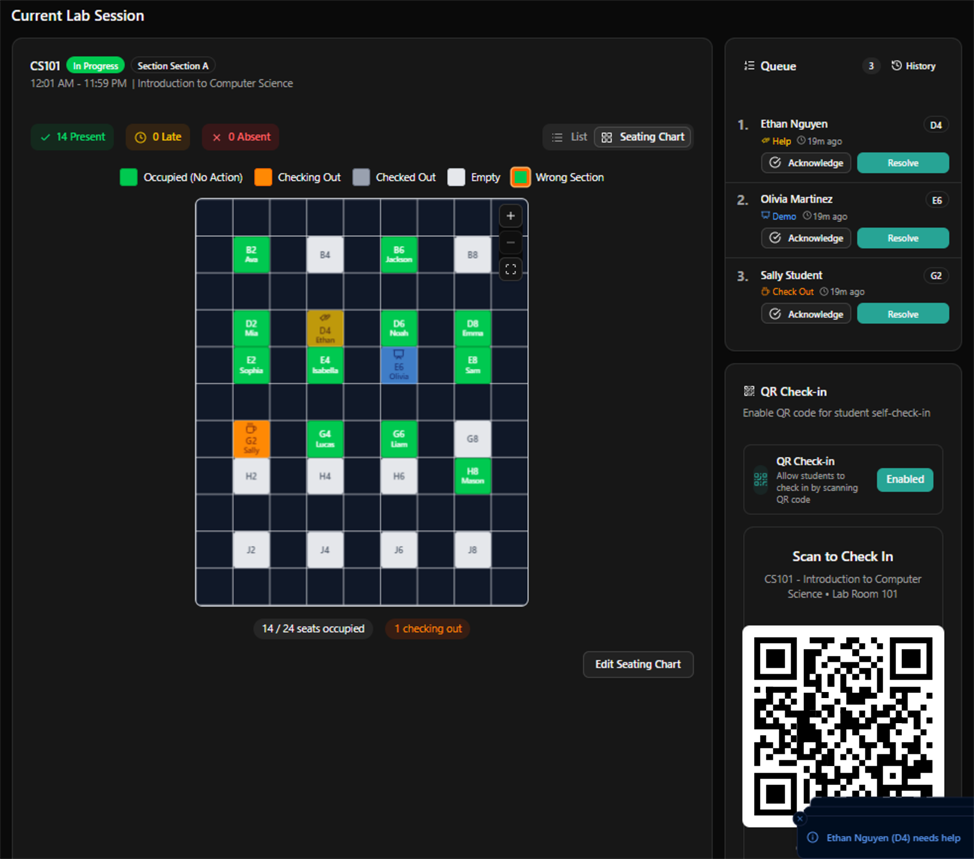
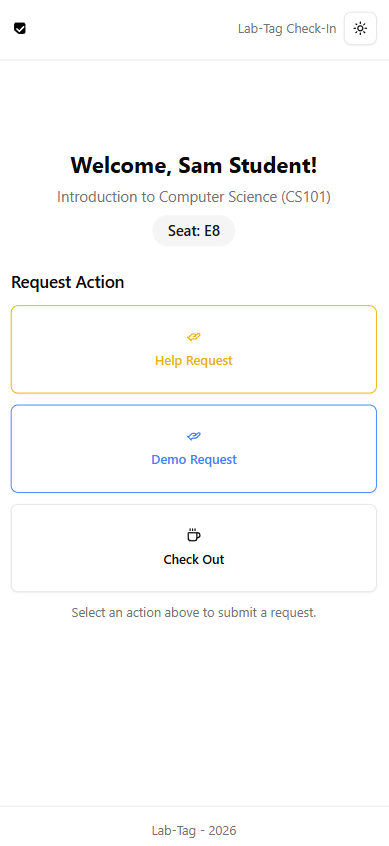
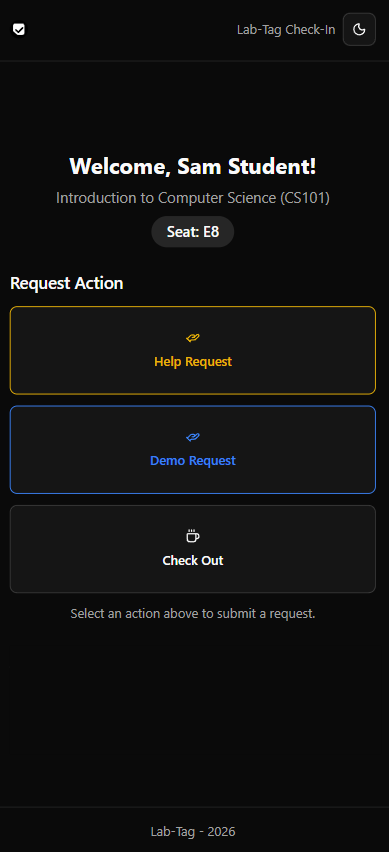
Stop running your lab through five different tools.
Teaching labs often rely on a patchwork of paper sign-in sheets, Google Forms, spreadsheets, shared documents, and handwritten queues. Lab-Tag replaces that patchwork with one purpose-built workspace.
- Paper attendance sheetsQR and short-URL student sign-in
- Names written on a whiteboardLive help and checkoff queues
- Seating charts in ExcelVisual classroom seat layouts
- LMS roster cleanup by handAI-assisted roster import (PDF or screenshot)
- Equipment reservations in FormsStructured equipment workflowsComing Soon
- Separate office hour signupsIntegrated office hours schedulingComing Soon
- Disconnected whiteboard toolsA class whiteboard students can view from their phonesComing Soon
Everything students and TAs need during a lab session
Open the class
The TA opens the Lab-Tag classroom dashboard and displays the class QR code or short URL.
Students sign in
Students scan the QR code or type the short URL into any phone. No app download required.
Students request what they need
They can ask for help, join a checkoff queue, tap any request button their instructor set up, and watch their position in line.
TAs manage the room
TAs see requests, student seats, queue status, and attendance live from the classroom dashboard.
What Lab-Tag handles today
Everything below is released and free to use.
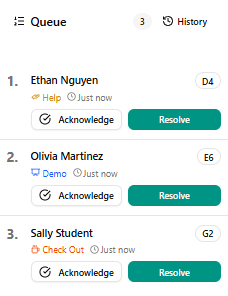
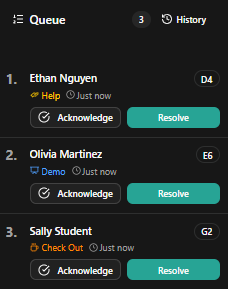
Keep help and lab checkoffs organized
Students join the right queue from their phones, describe what they need, and see their position while TAs work through requests in order.
Replace paper lab sign-in sheets
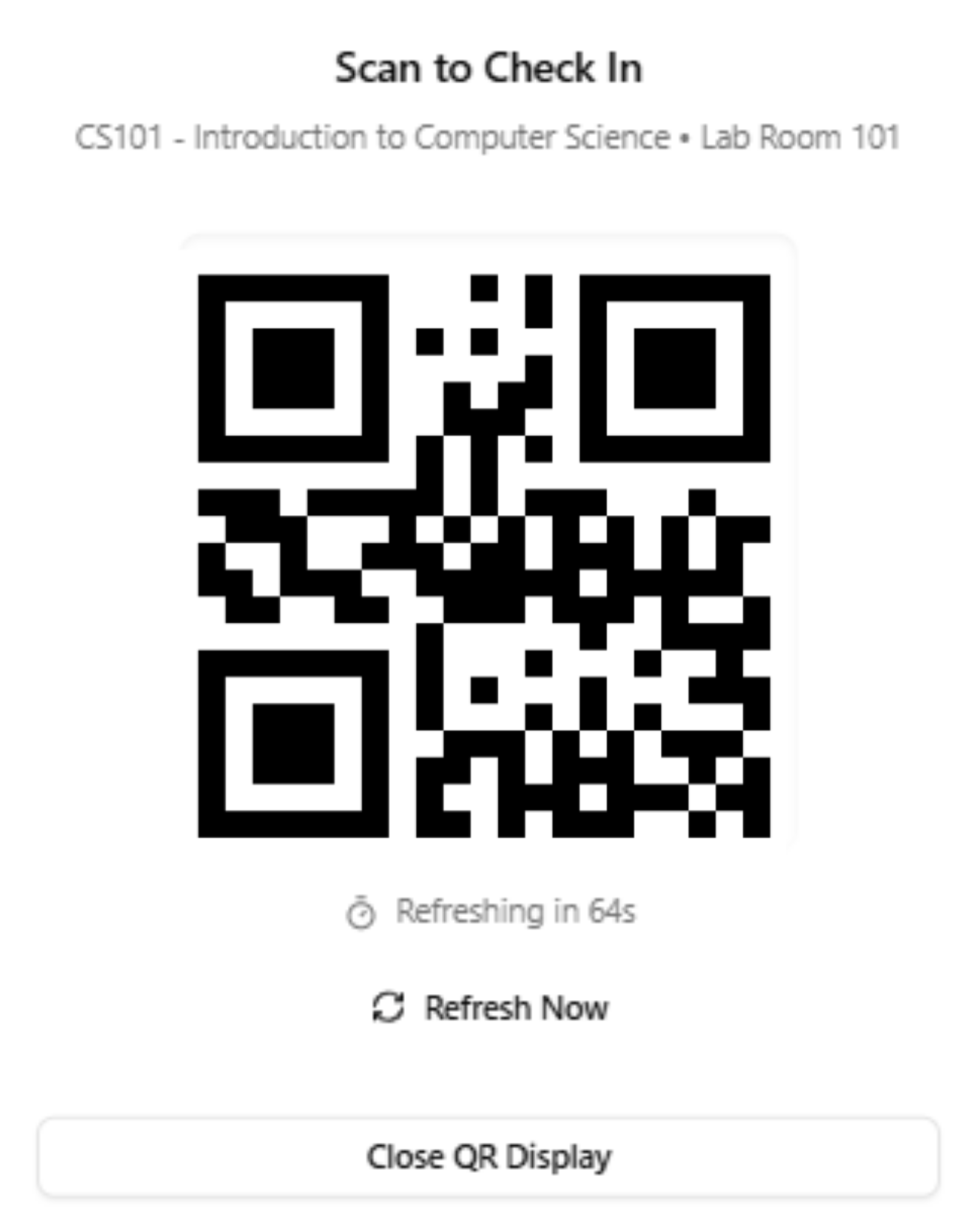
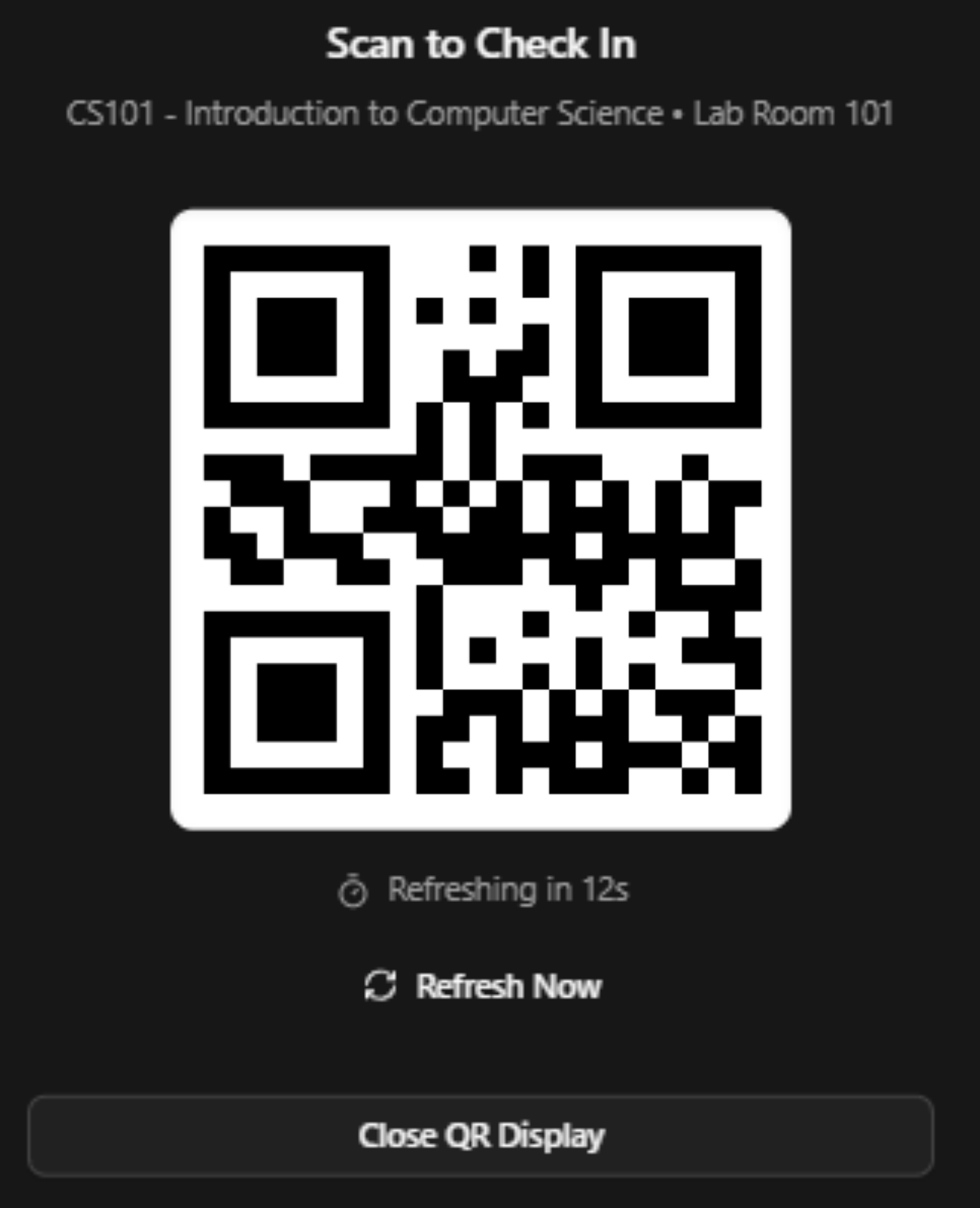
Students sign in with a QR code or an easy-to-type class URL, and you monitor attendance live from the instructor dashboard.
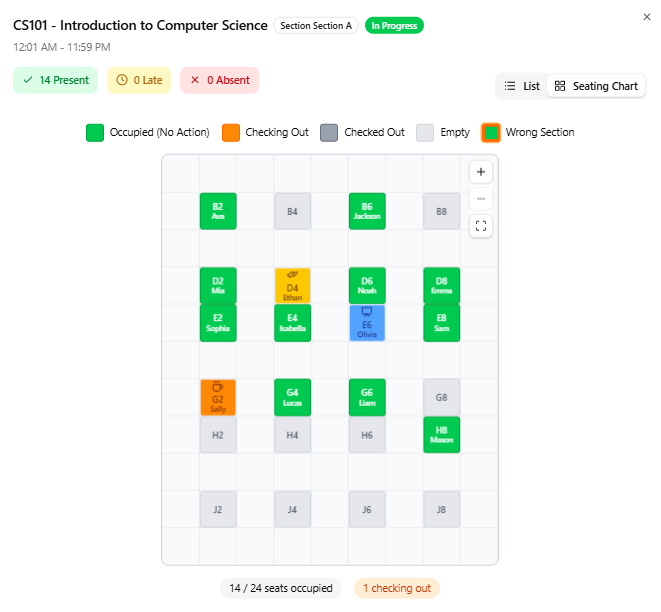
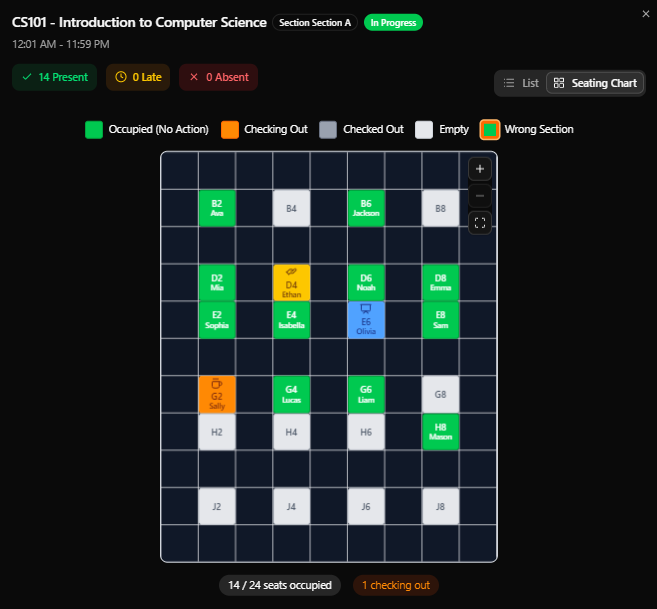
See where every student is working
Create a visual layout of benches, desks, stations, or computers so TAs can find students and answer requests faster.
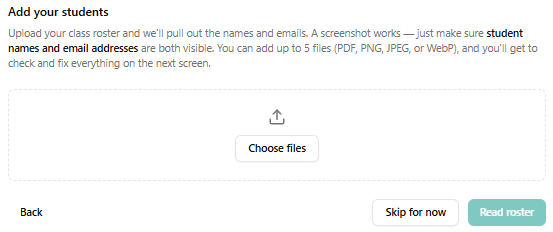
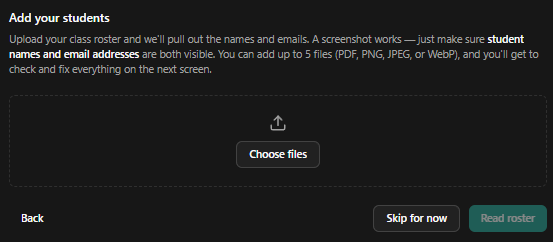
Bring in your class roster without rebuilding it
Upload a roster PDF or screenshot exported from your LMS and let Lab-Tag map each student into the right fields. You review everything before it's saved.
Coming soon to Lab-Tag
Join an early access list and we'll email you when it's ready.
Create available office hour periods, let students choose a time, and keep appointments connected to the correct class.
Display instructions, diagrams, announcements, or live notes in the classroom while students view the same board from their phones.
Give students a structured way to request, reserve, check out, and return shared lab equipment without another spreadsheet or form.
Built for teaching labs, not research laboratories
Traditional lab management systems focus on samples, experiments, compliance, and research inventory. Lab-Tag focuses on the live teaching environment: students, TAs, seats, queues, checkoffs, and attendance.
Designed for everyone running the lab
Teaching assistants
See who needs help, what they need, and where they are sitting.
Professors and instructors
Set up the class once and give every TA the same operating workflow.
Lab coordinators
Standardize attendance, queues, and seating processes across sections.
Students
Sign in, request help, join a checkoff queue, and follow class updates from one mobile page.
Built for labs across campus
Engineering teaching labs
Help and checkoff queues, workbench locations, and section-by-section attendance.
Computer science labs
Student help queues, workstation layouts, and lab completion checkoffs.
Chemistry and biology teaching labs
Attendance, station assignments, and lab checkoffs.
Nursing and clinical skills labs
Seat or station layouts, skills checkoffs, and instructor queues.
Free means your entire teaching team can use it
Create classes, invite TAs, and let students join without purchasing licenses or waiting for departmental procurement.
- No student purchase
- No student app download
- No credit card
- Works in a browser
- Designed for phones, laptops, and classroom displays
Built for university classrooms
Student data handling is a design constraint, not an afterthought. Here's how Lab-Tag treats it.
What we collect
Student name, university ID, attendance records, and seat assignments — only what's needed to run the lab session.
Who can see it
Access is scoped per course. Students never see other students' data, and staff only see the courses they're assigned to.
Your data stays yours
Instructors control their course data. Student records are never sold or used for advertising.
Where AI is used
AI is used only when you choose to upload a roster file for import — never on attendance records or student activity.
Sign-in
Staff accounts use email and password today. Institutional single sign-on isn't available yet. Students don't need accounts at all.
FERPA-aware design
Role-scoped access, no public student data, and attendance records that can't be silently altered are built into how Lab-Tag works.
Questions about privacy or data handling? Email support@lab-tag.com.
Frequently asked questions
What is teaching lab management software?
It coordinates the operational side of university lab classes — attendance, TA help queues, checkoffs, seating, and student access — so instructors and TAs can run sessions without juggling paper sheets, forms, and spreadsheets.
Is Lab-Tag free?
Yes. Every feature currently in Lab-Tag is free to use — classes, attendance, queues, seating, and roster import. There are no paid plans today.
Do students need to download an app?
No. Students scan a QR code or type a short URL, and everything runs in their phone's browser. They don't need to create accounts either.
Can Lab-Tag replace a paper lab sign-in sheet?
Yes. Students sign in from their phones when they arrive, and attendance appears on the instructor dashboard immediately — no transcribing sheets afterward.
Can students join a TA help queue?
Yes. Students can ask for help or request a checkoff from their phones, see their position in line, and TAs work through requests in order from the classroom dashboard.
Can Lab-Tag import a Canvas, Blackboard, or Moodle roster?
You can upload a roster PDF or screenshot exported from your LMS, and Lab-Tag's AI-assisted import maps students into the right fields for your review. There's no direct LMS integration or CSV import yet.
Does Lab-Tag support lab equipment checkout?
A dedicated equipment reservation and checkout feature is coming soon. Today, instructors can add custom request buttons — like an equipment request — to any lab session.
Is the office hours feature available?
Not yet — it's in active development. Join the early access list above and we'll email you when it launches.
Is the classroom whiteboard available?
Not yet — it's planned. Join the early access list above to be notified when it's ready.
Replace your lab spreadsheets before the next session
Create a class, share the QR code, and run attendance, student requests, and seating from one place.